


Payment & Security
Your payment information is processed securely. We do not store credit card details nor have access to your credit card information.
Description
Affordable dental photography for every surgery
Intra-Oral Camera for Patient Communication, Records & Case Acceptance
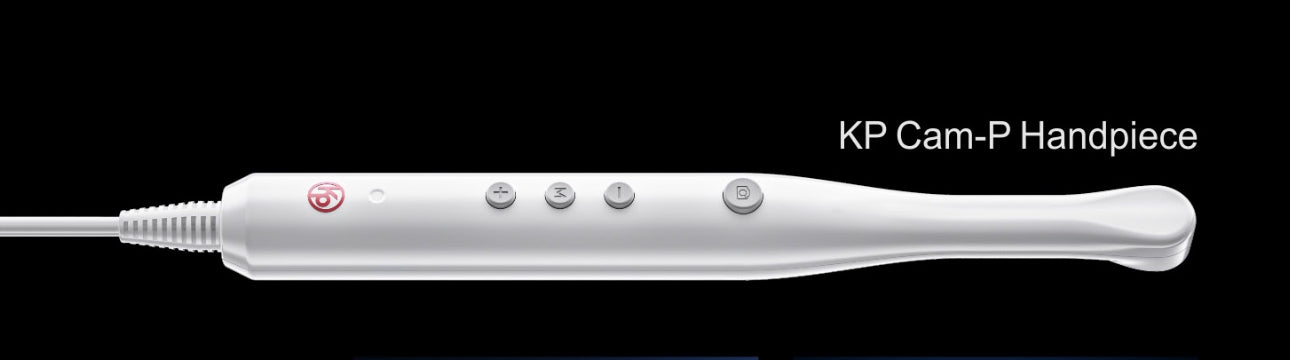
A lightweight, plug-and-play dental intra-oral camera designed to help clinicians show patients what they can see, document clinical findings, improve communication and support treatment planning.
Why every surgery should have one
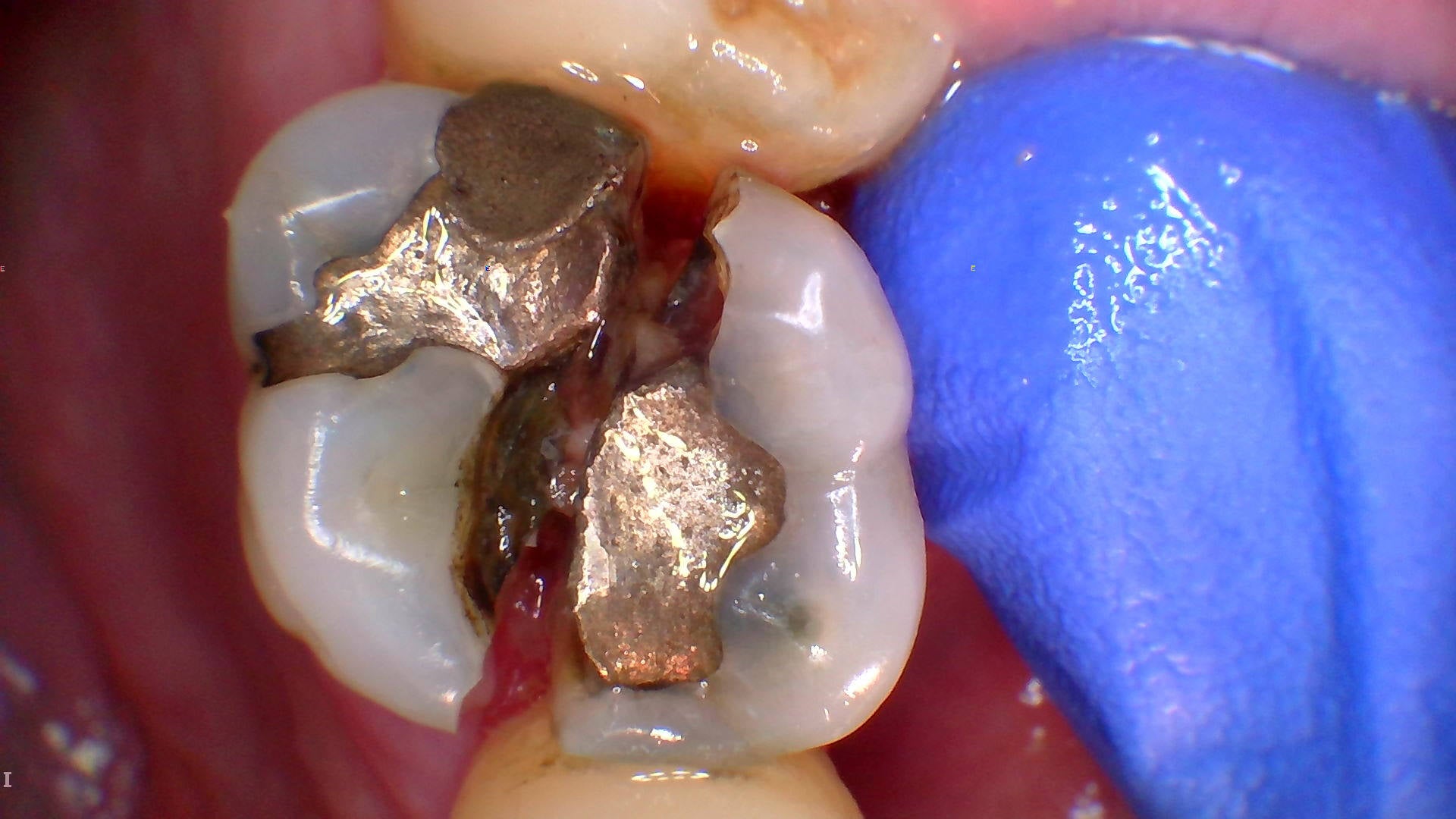
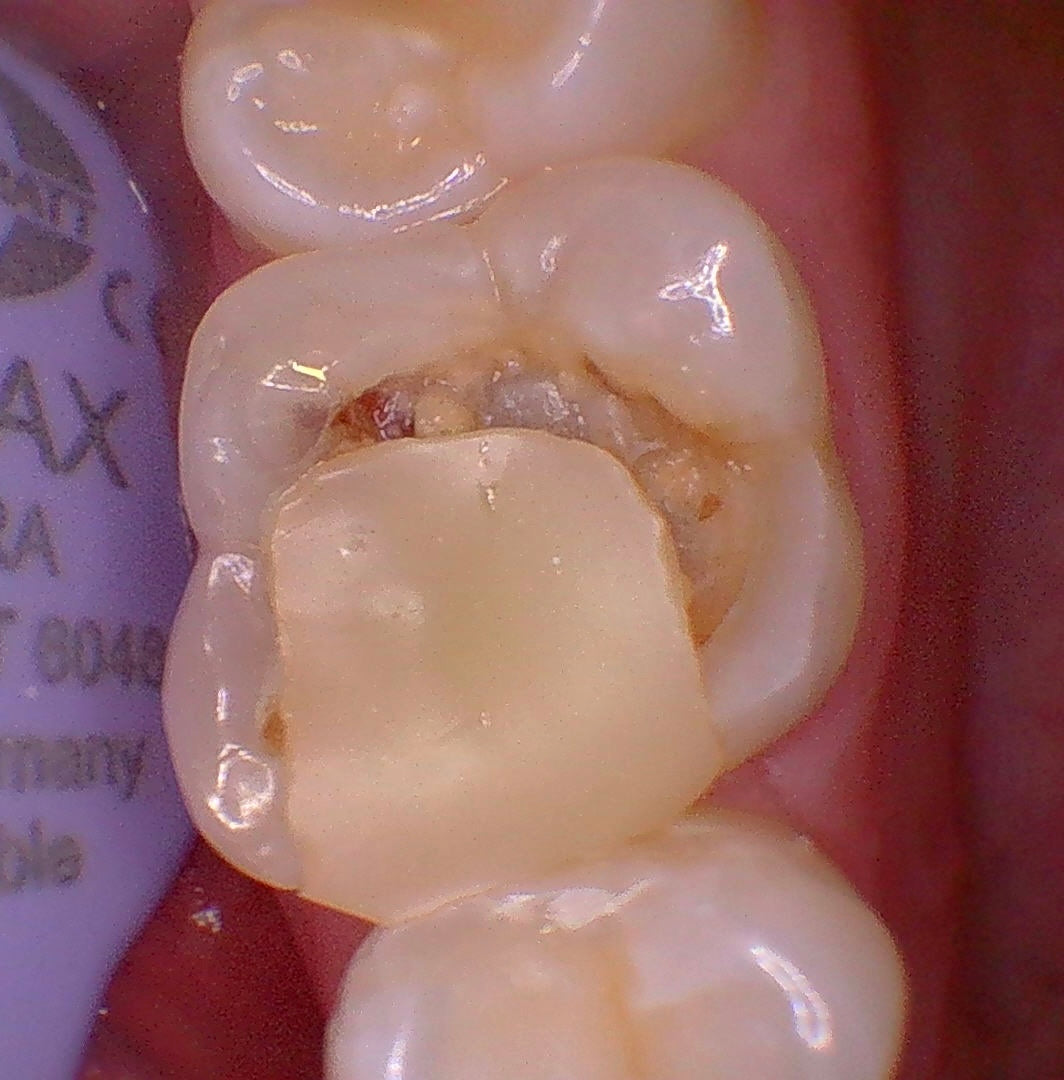
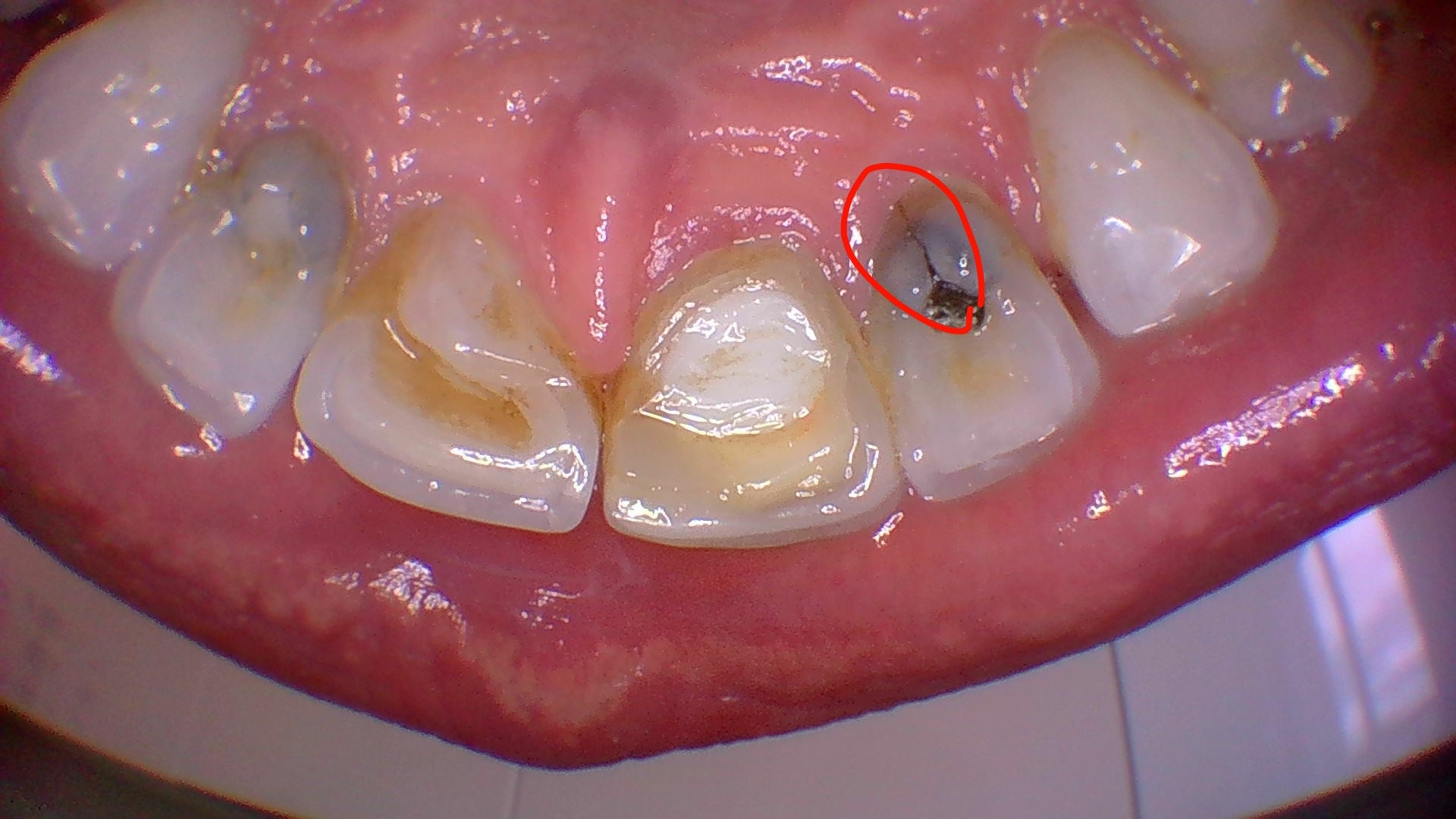
Intra-oral cameras are one of the simplest ways to improve patient communication. Instead of relying only on verbal explanations, you can show patients cracks, staining, failing restorations, plaque retention, soft tissue concerns and pre-operative findings directly on screen.
- Helps patients understand clinical findings
- Improves consent and treatment discussions
- Useful for before-and-after documentation
- Supports monitoring of wear, cracks and restorations
- Valuable for medico-legal records

Simple, affordable and practice-friendly
This camera has been selected to make intra-oral photography accessible across the whole practice, not just in one room. It is lightweight, ergonomic and available in different cable and casing options depending on how you want to use it.
- USB plug-in connection to computer or laptop
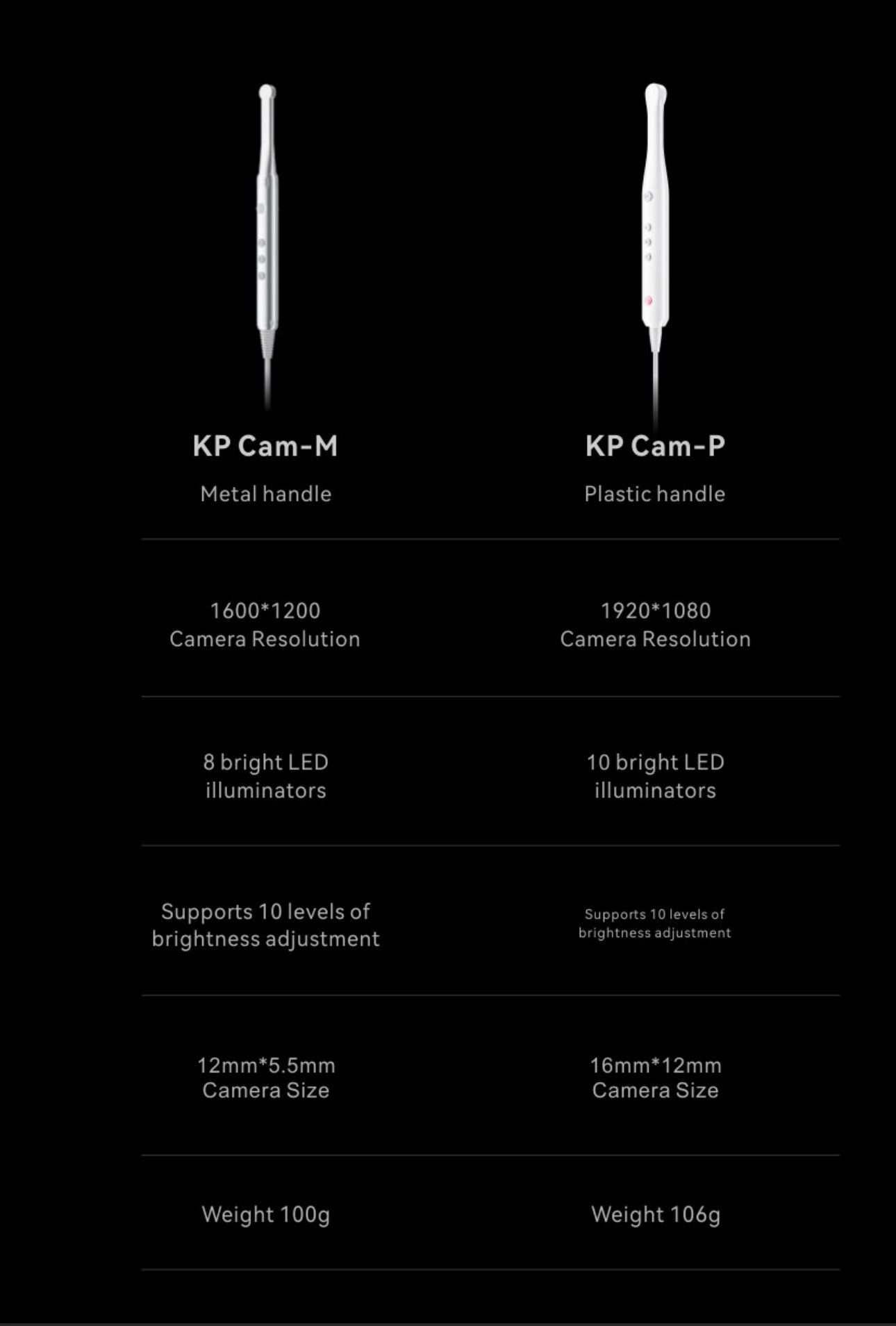
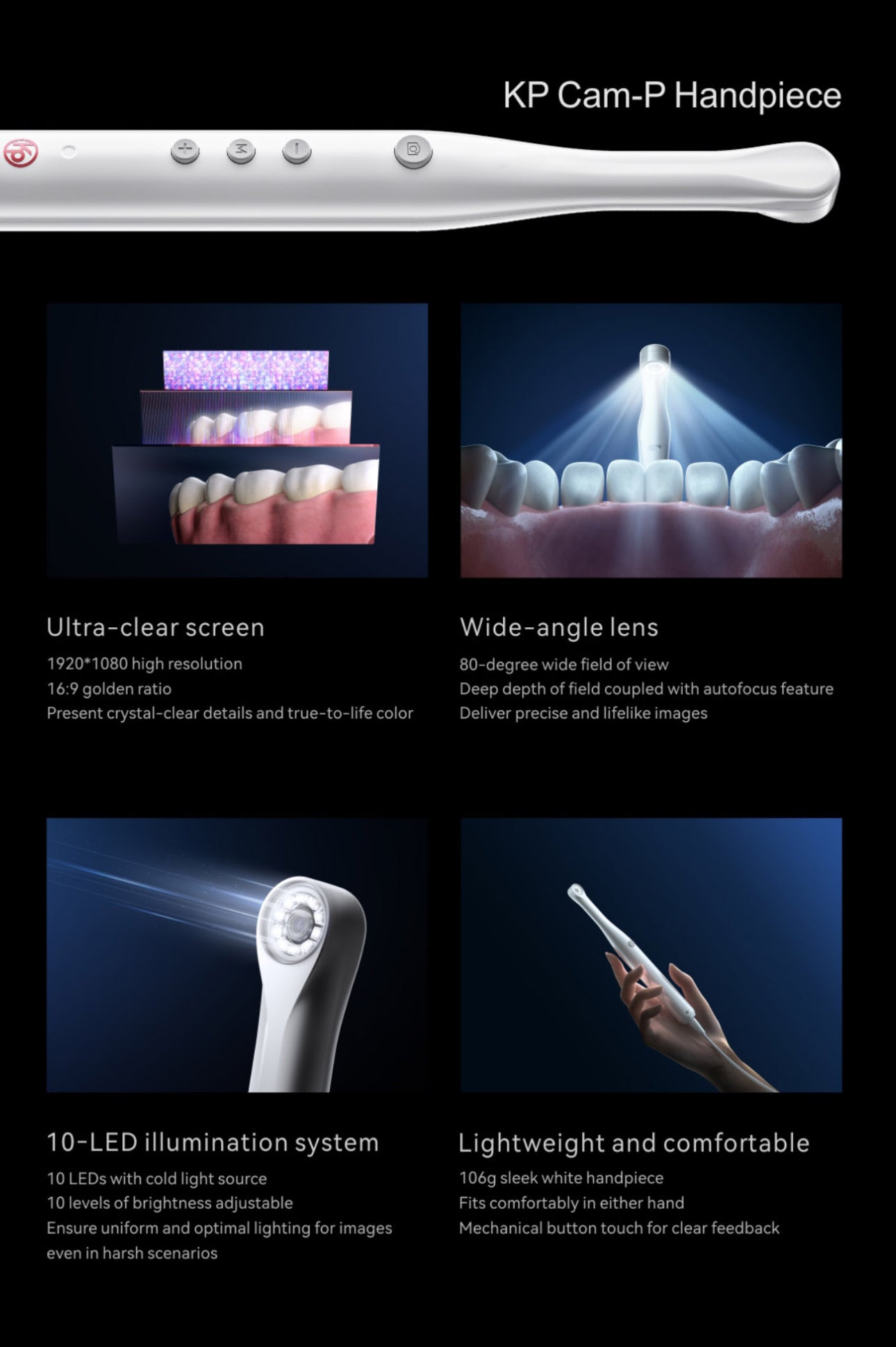
- Plastic casing option for general use
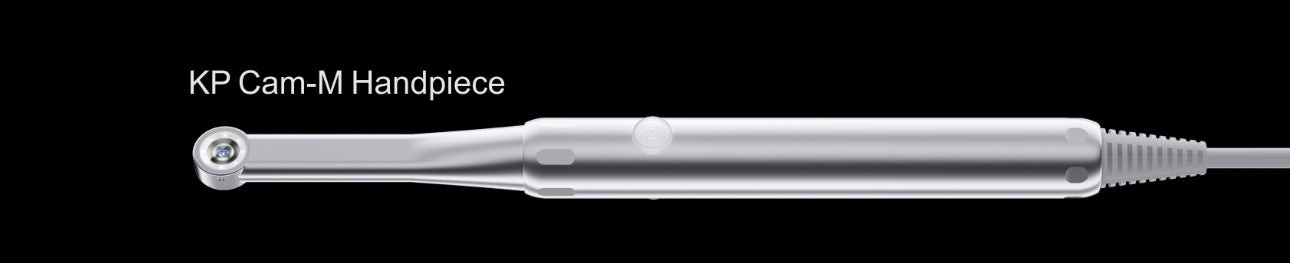
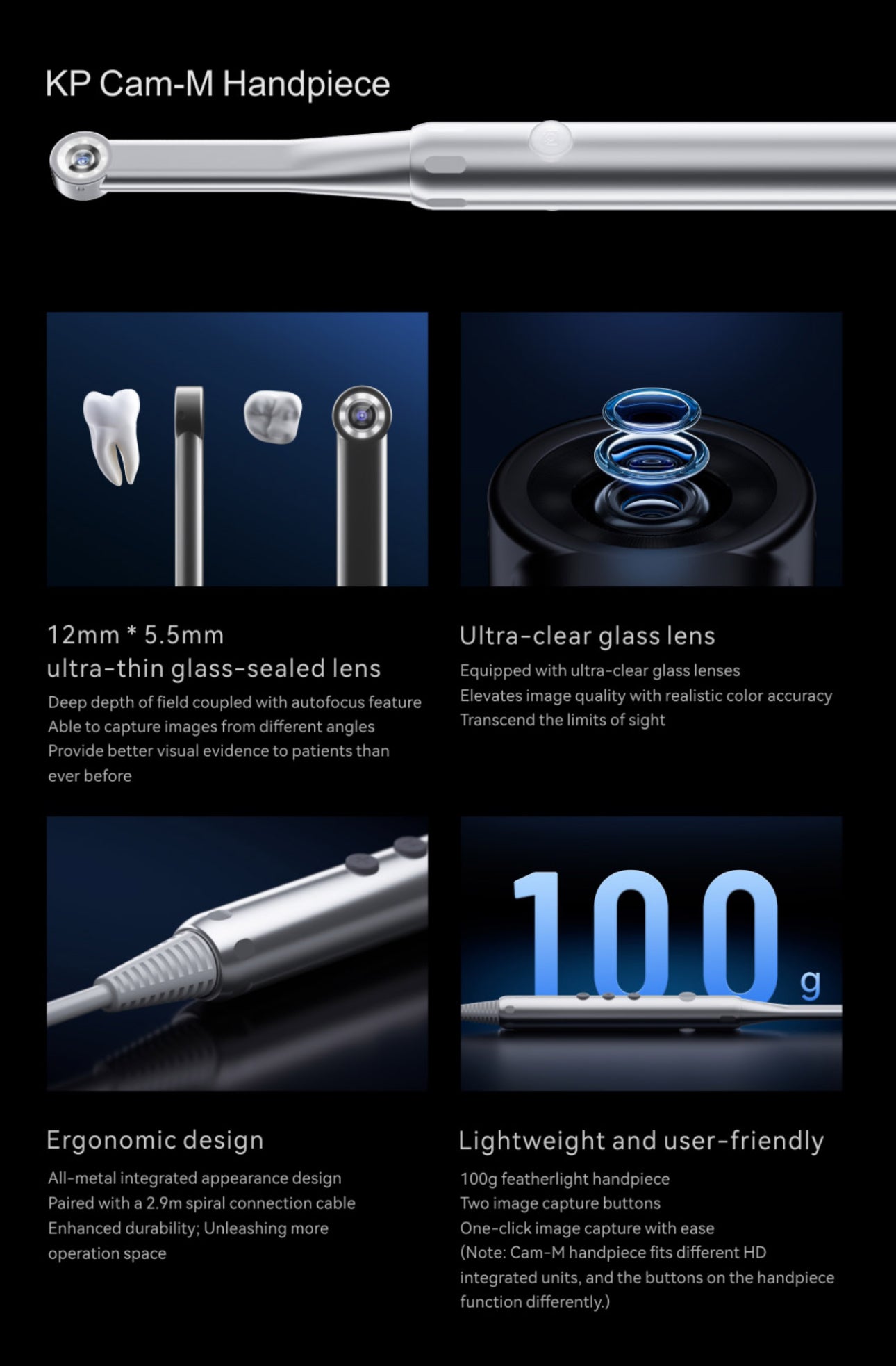
- Metal casing option for tighter access areas
- Coiled or 2 m straight cable options
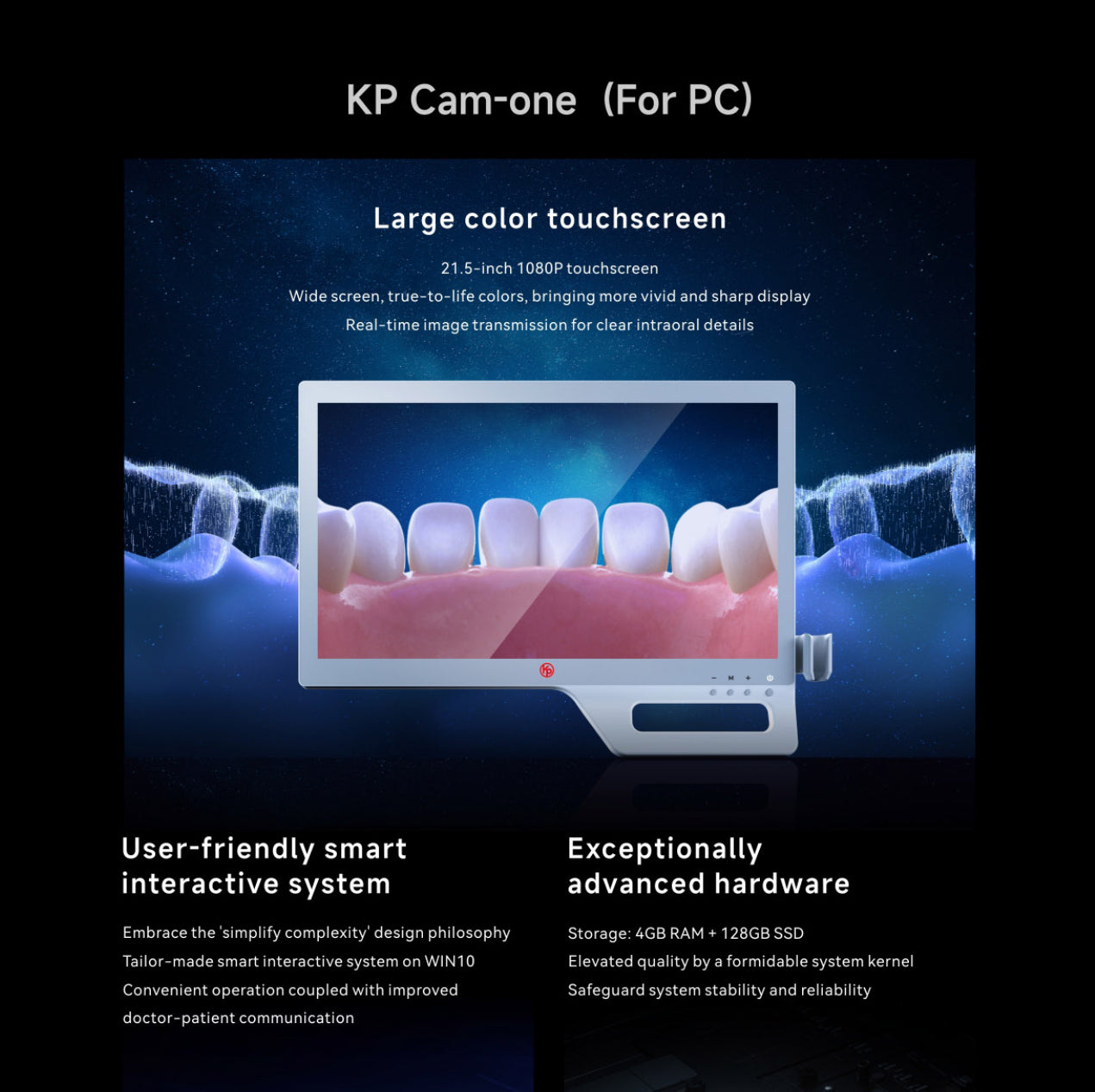
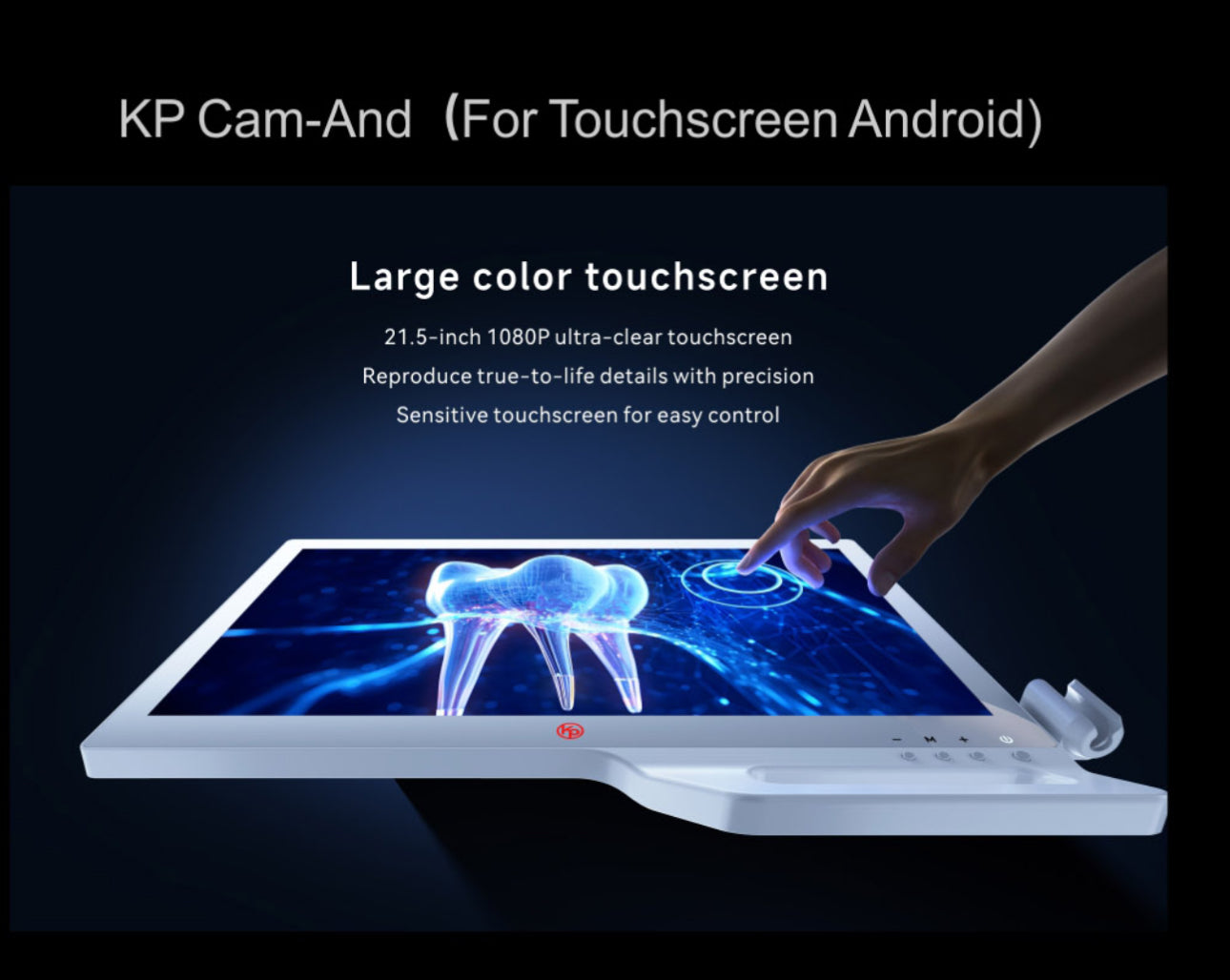
- Optional Android or Windows touchscreen options

Toothsaver clinical view
Intra-oral cameras are not just imaging accessories — they are communication tools. They help patients see what the clinician sees, which can make explanations clearer, records stronger and treatment decisions easier to understand.
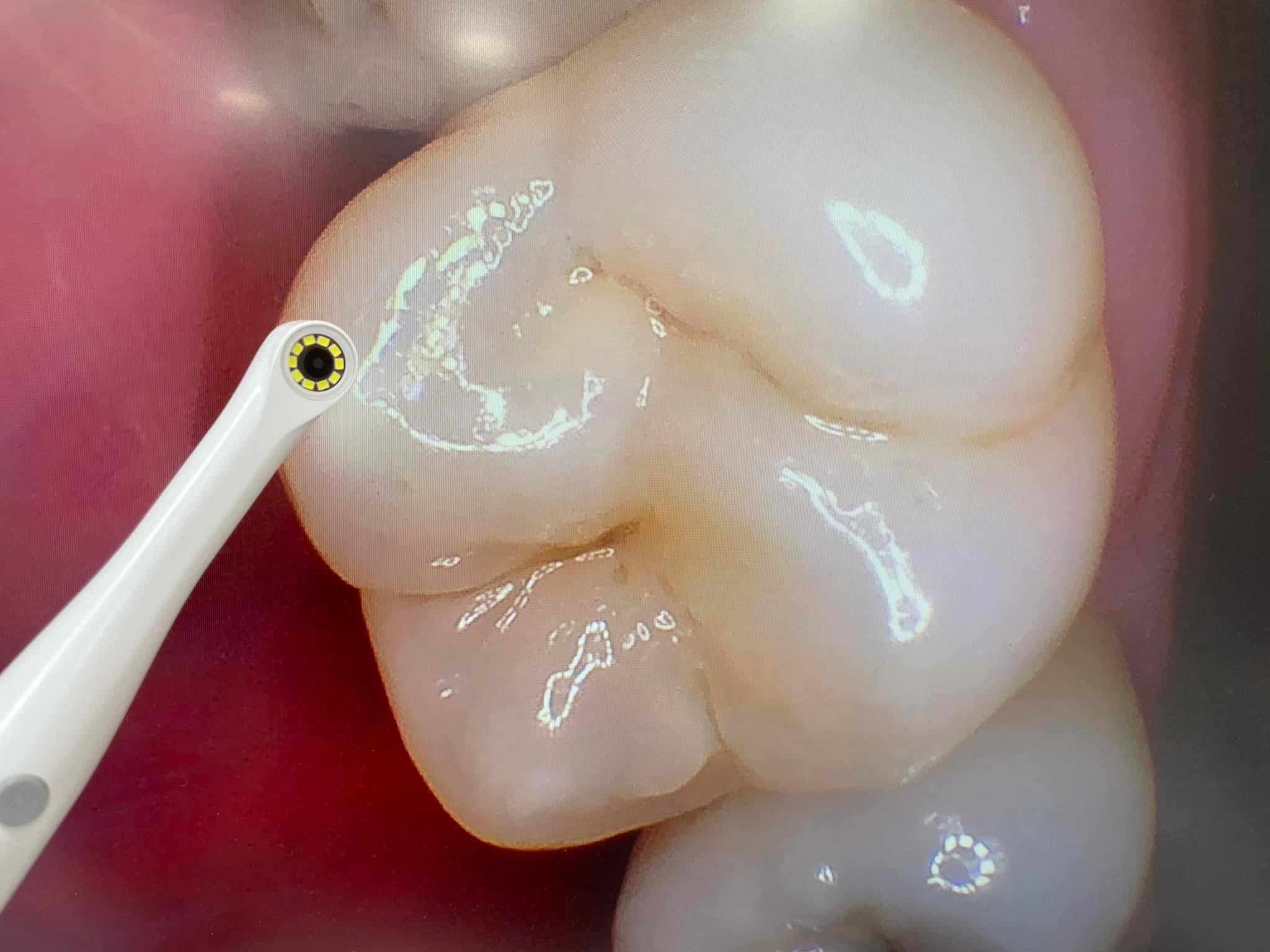
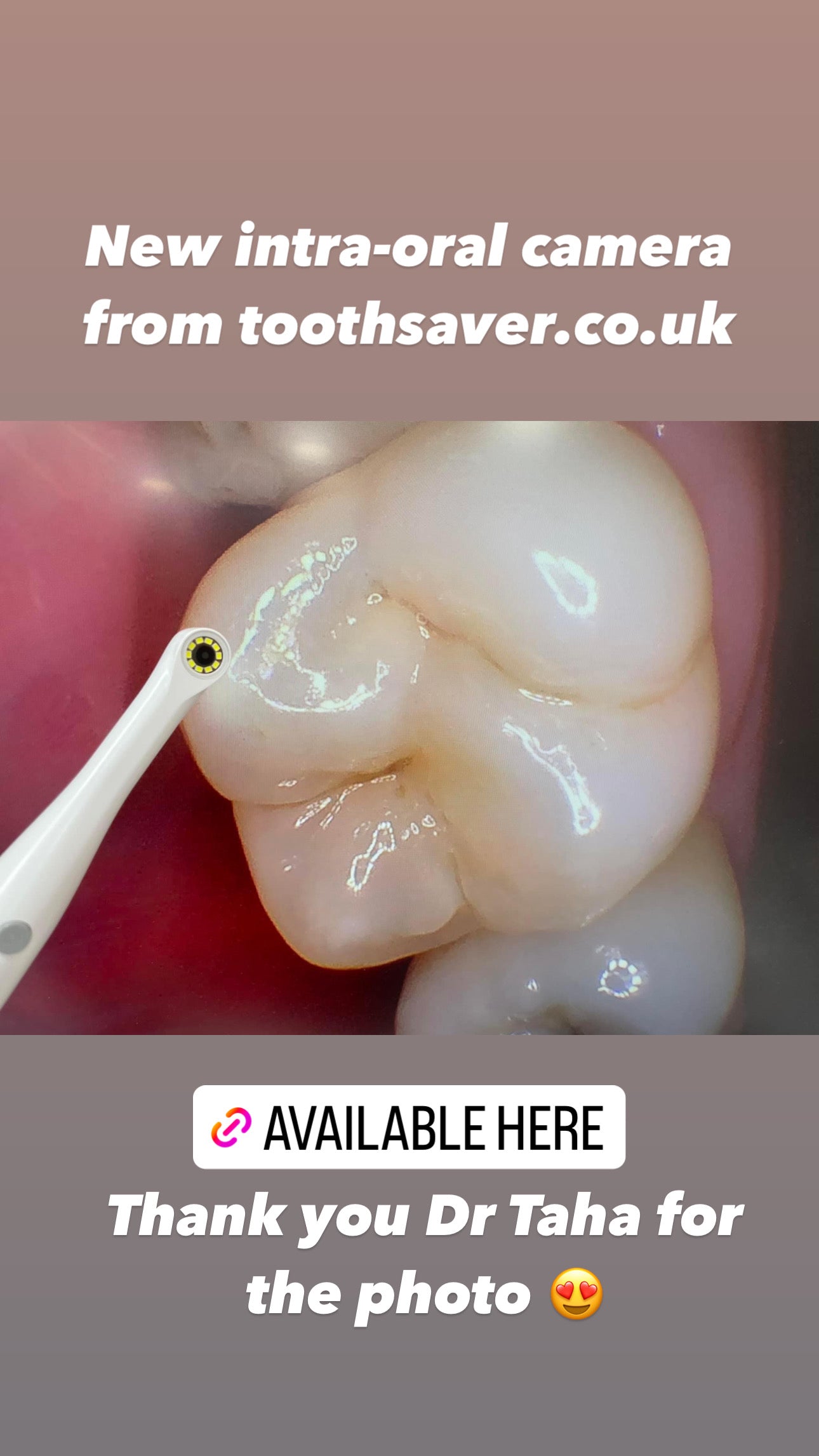
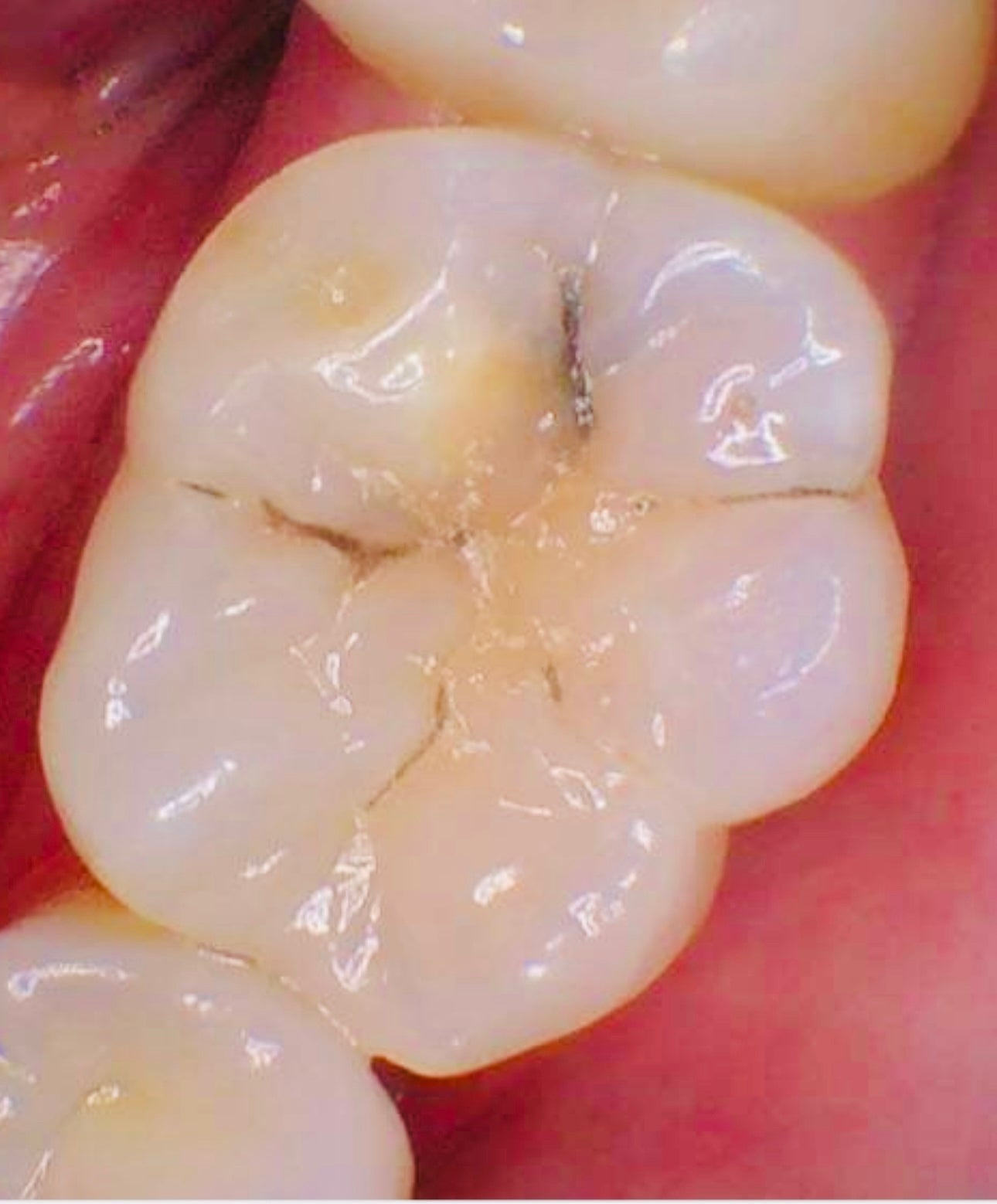
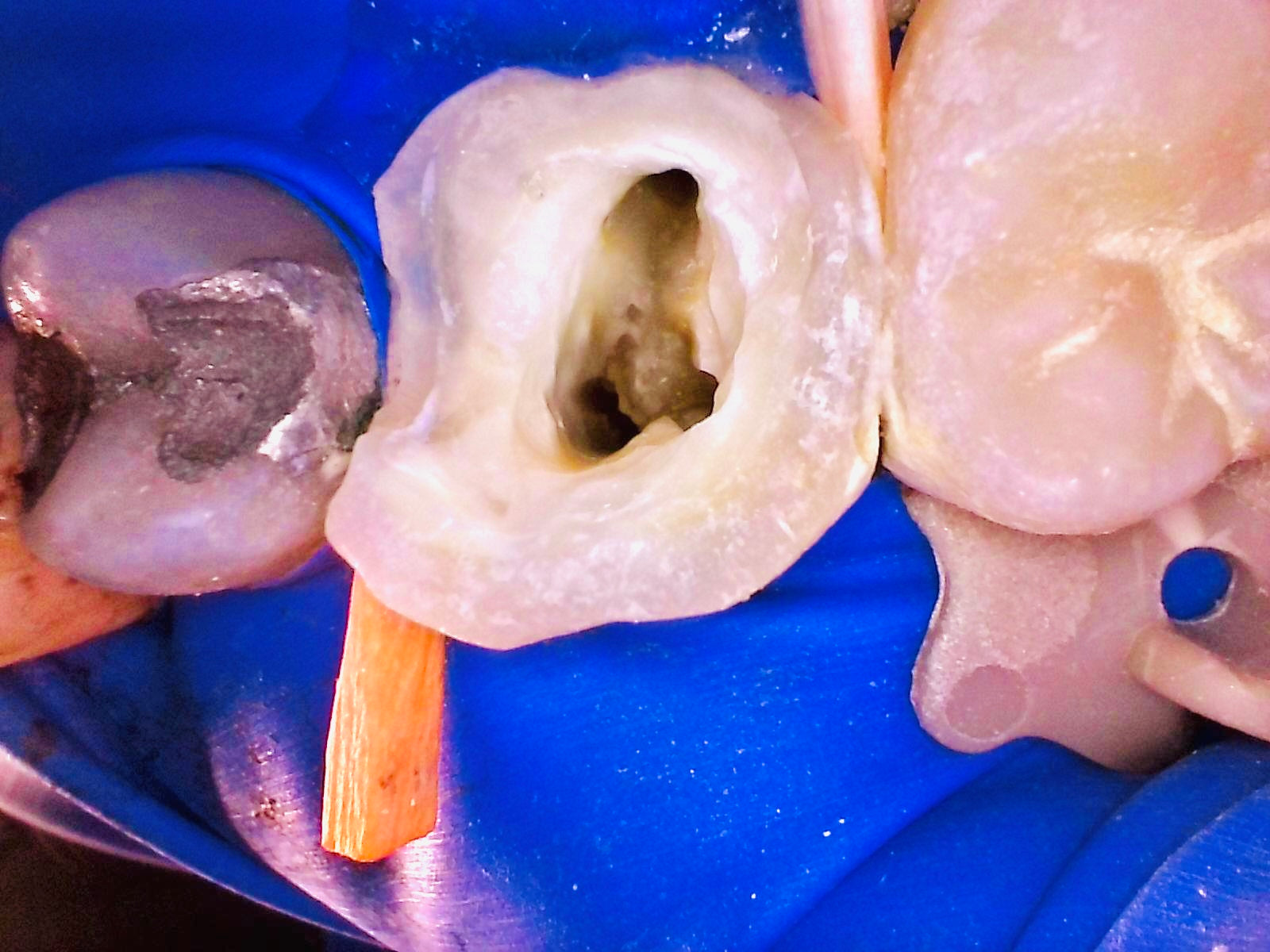
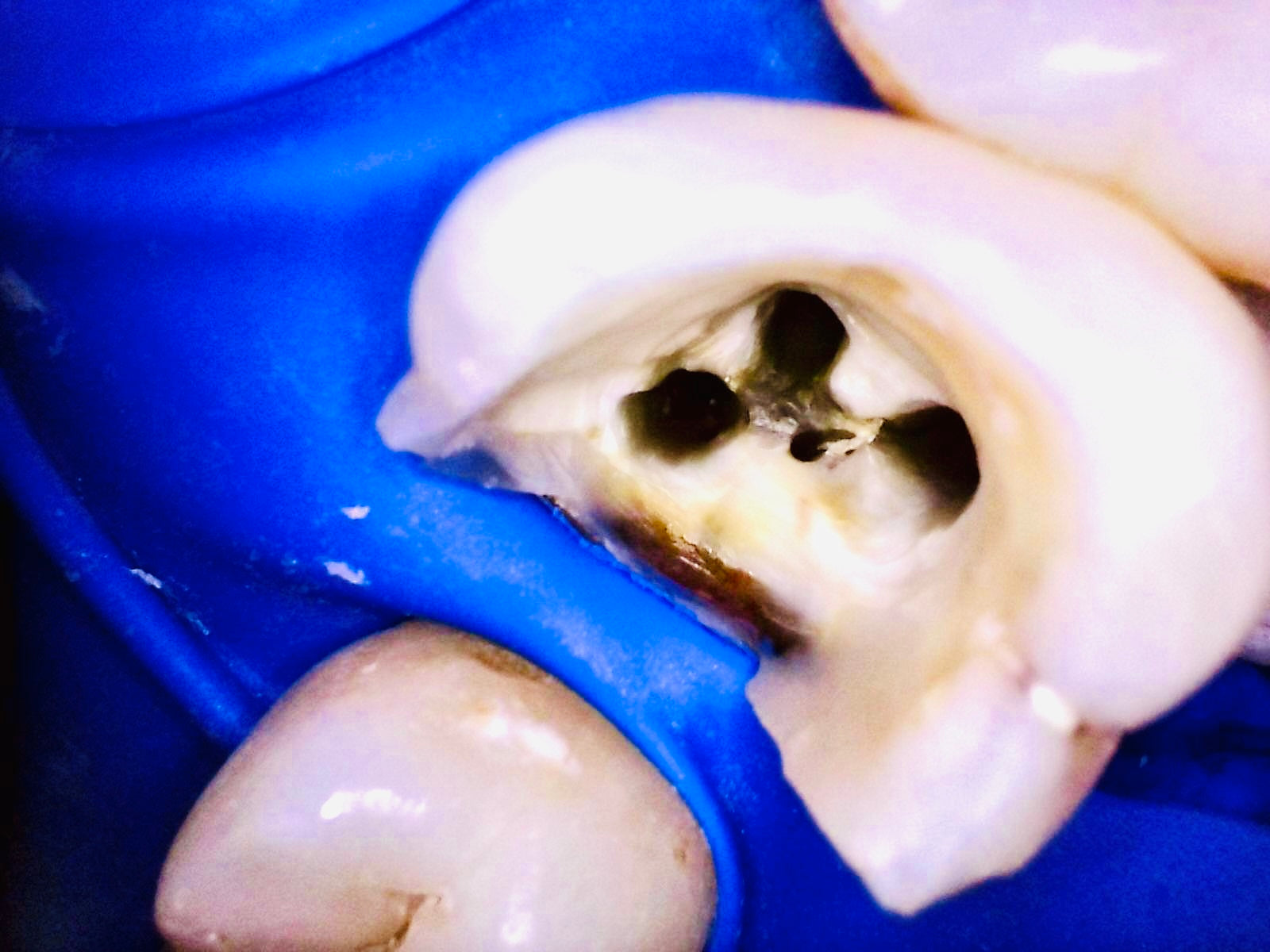
Toothsaver’s aim is to make useful clinical technology available at sensible pricing, while being clear about setup, software and support options. See clinical photos sent by practicing dentists in media section.
Which intra-oral camera option should I choose?
Plastic casing camera
Best for: Everyday general dentistry and routine patient communication.
Clinical note: The plastic camera has a wider view, making it a good default choice for most surgeries.
Metal casing camera
Best for: Difficult access areas, posterior teeth and more focused views.
Clinical note: The metal camera is useful for harder-to-reach areas such as the buccal aspect of upper molars or endodontic documentation.
Coiled cable
Best for: Tidier surgeries where the camera stays close to the workstation.
Clinical note: Both cable types are 2 m, but the coiled version does not extend as far in practical use.
2 m straight cable
Best for: Greater reach around the dental chair.
Clinical note: This is the most popular choice for many practices because it gives more usable length.
Software, TWAIN driver and support
The camera connects by USB and can be used with the KP software. A TWAIN driver is also available for practices wanting to integrate the camera with dental imaging software.
To keep the camera price as low as possible, the main product price is for the camera hardware only. If you want setup or ongoing customer support, please select the support option at checkout.
Software download: KP software download
TWAIN driver: Download TWAIN driver
How intra-oral photography helps a dental practice
- Patient education: show problems visually rather than relying only on explanation.
- Case acceptance: patients are more likely to understand treatment needs when they can see the issue.
- Progress tracking: record baseline and review images over time.
- Clinical documentation: support consent, record keeping and medico-legal protection.
- Marketing and communication: create useful clinical visuals for patient discussions and practice education.
FAQs
What is an intra-oral camera used for?
An intra-oral camera is used to capture close-up images inside the mouth. It helps with patient education, clinical records, treatment planning, consent discussions and monitoring changes over time.
What is the difference between the plastic and metal camera?
Both have similar resolution. The plastic camera has a wider view and is a good everyday option. The metal camera is useful for more difficult access areas, such as posterior teeth or endodontic views.
What is the difference between coiled and straight cable?
Both cables are 2 m, but the coiled cable does not stretch as far in practical use. The straight cable gives more usable reach around the dental chair.
Which option is most popular?
The straight plastic model is the most popular option because it offers a wide view and practical cable reach for everyday dental use.
Does the camera connect to a computer?
Yes. The camera has a USB connector and can plug directly into a computer or laptop. Touchscreen options are also available if you want a separate display setup.
Can it integrate with dental software?
A TWAIN driver is available, which allows integration with popular dental imaging software including SOE, Dentally vision, R4. Depending on your setup you may need to disable firewall or security features to allow program to run initially. Integration can vary between software providers, so support may be needed for configuration.
Do I need disposable sleeves?
Disposable sleeves are available for both the plastic and metal camera options and should be selected according to the camera body you purchase.
Complete your clinical imaging setup
Pair your intra-oral camera with other imaging and restorative equipment selected by Toothsaver.
Imaging & CBCT Restorative dentistry Light curing Mirrors & burs Intra-oral scanner
Ask Our Expert - Dr Daniel Flynn, Specialist Endodontist