




Payment & Security
Your payment information is processed securely. We do not store credit card details nor have access to your credit card information.
Description
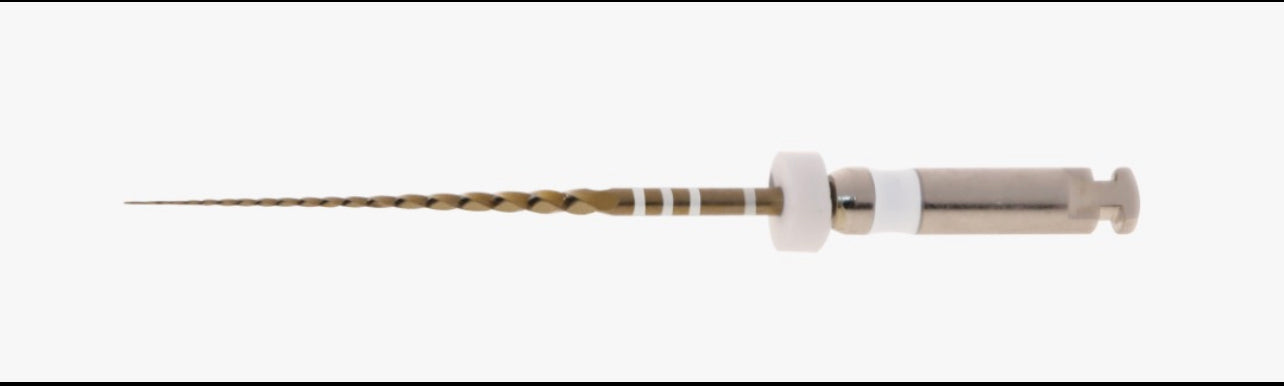
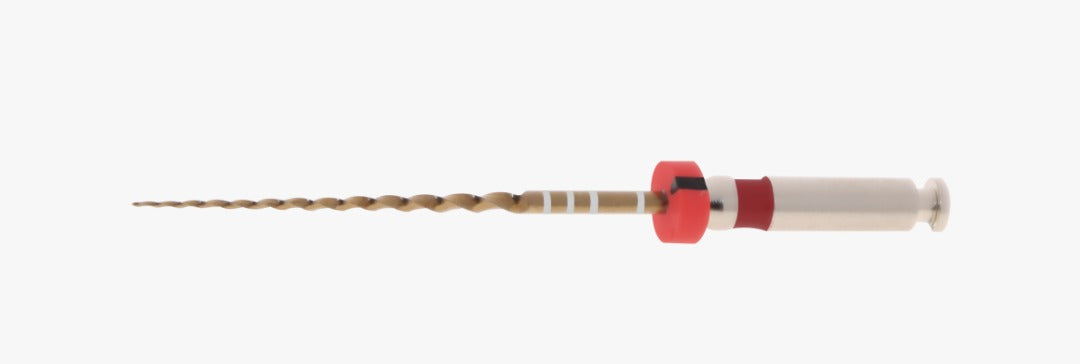
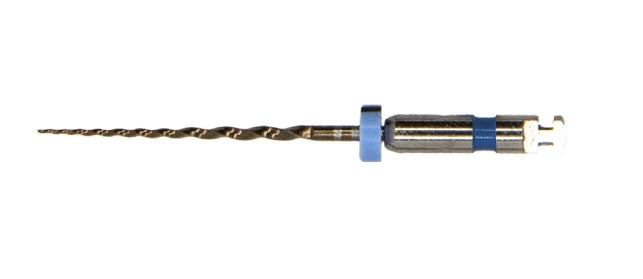
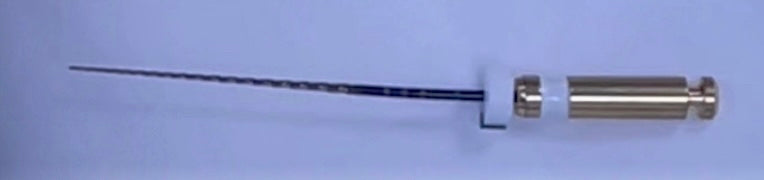
Toothsaver rotary endodontic files
Toothsaver Assorted Files for Glide Path, Conservative Shaping & Routine Endodontics
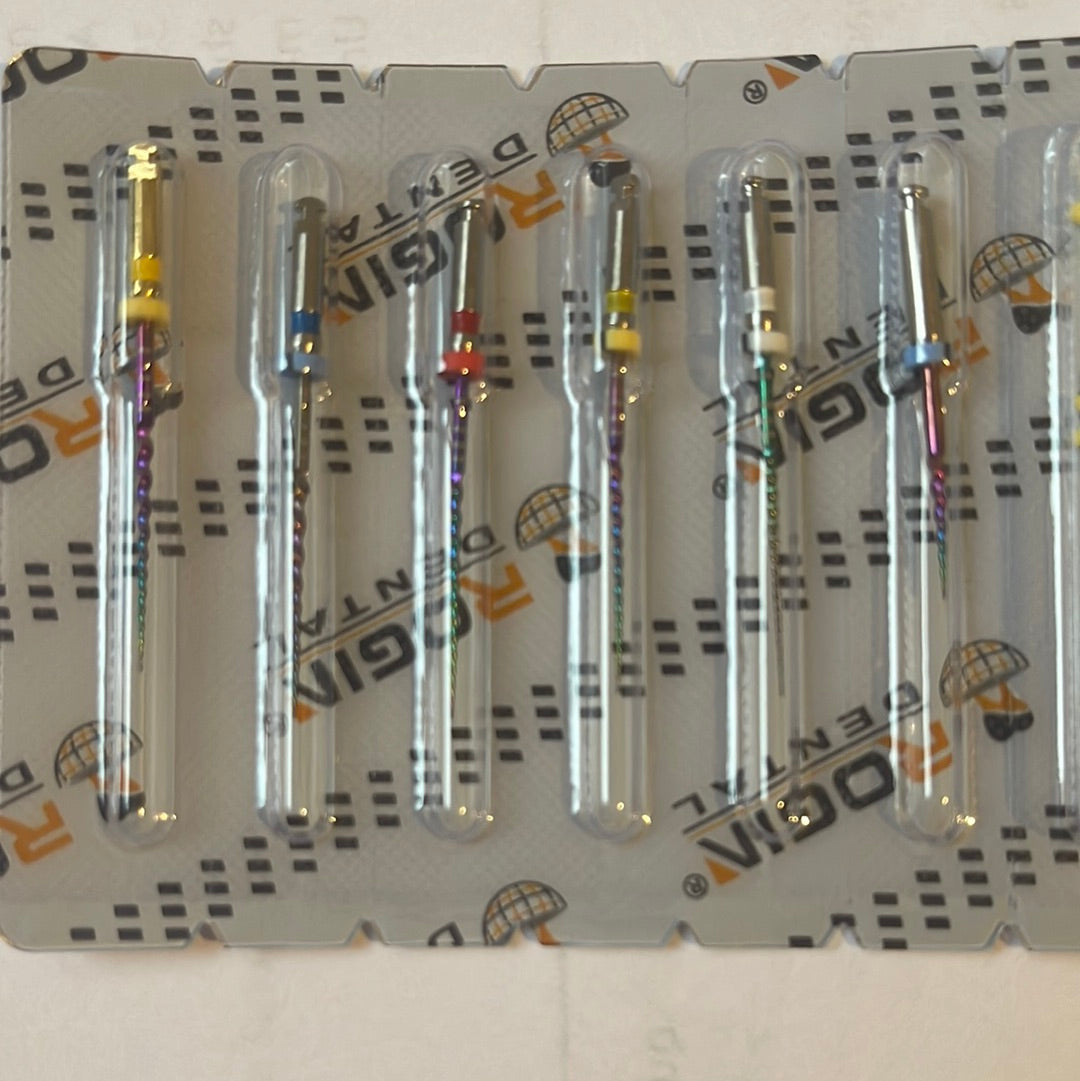
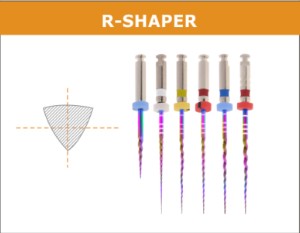
Toothsaver Assorted Files are designed to give clinicians a practical endodontic sequence for coronal opening, glide path creation and canal shaping. Let the canal anatomy dictate the shaping sequence not a set protocol. Choose between shape-focused and slim taper assorted packs, with clear file sizes, tapers and lengths for everyday root canal treatment.
A simple file system for clinical reality
Toothsaver files are designed around the way clinicians actually shape canals: start with safe coronal enlargement, establish a reproducible glide path, then shape according to canal anatomy rather than forcing every case into one fixed sequence.
- Orifice opener for coronal enlargement
- Glide path files for narrow or challenging canals
- Slim taper files for conservative shaping
- Shape files for routine finishing
- Assorted packs for simplified ordering
Two assorted pack options
The assorted packs make it easy to trial or use the Toothsaver system without choosing every individual file separately.
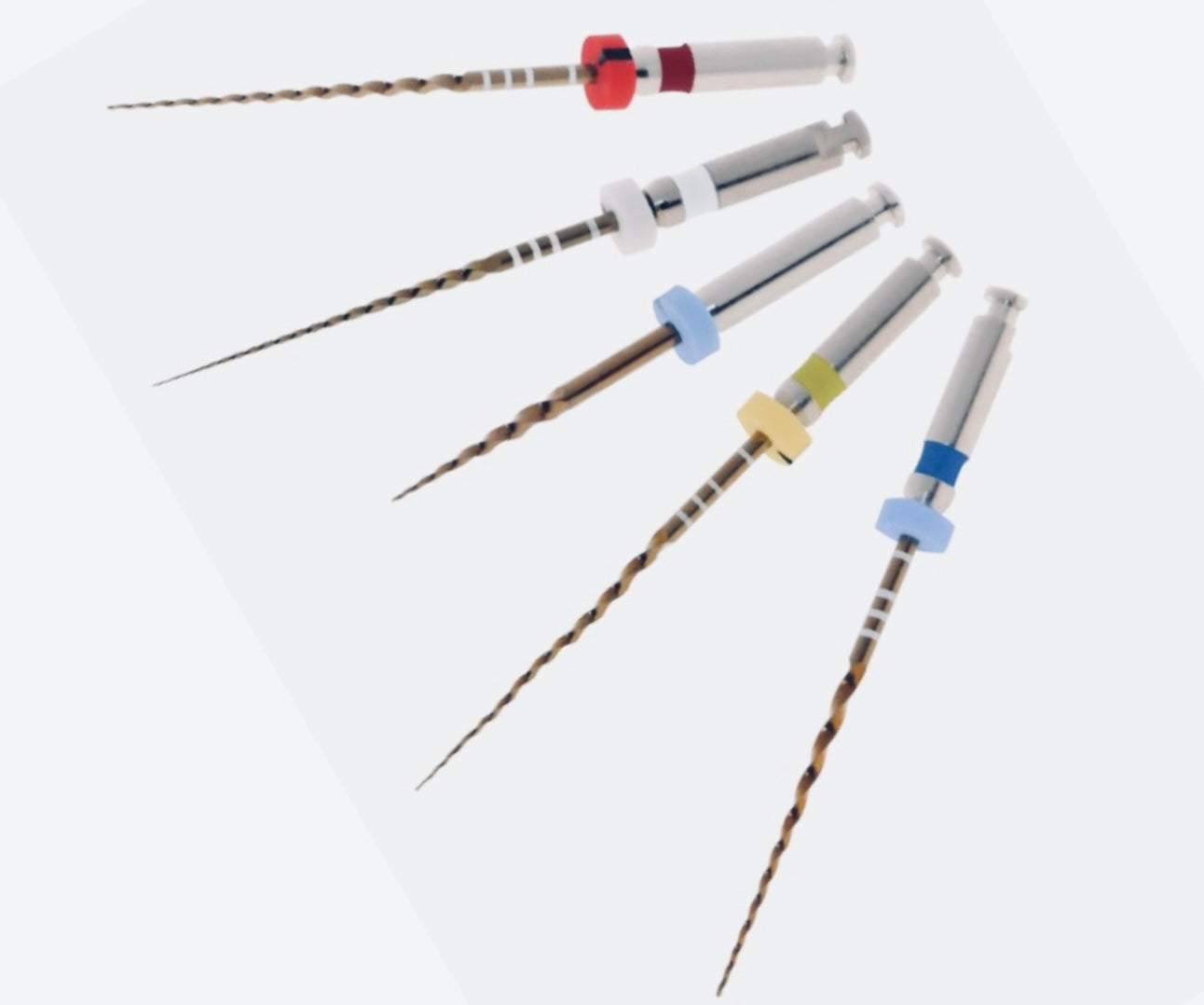
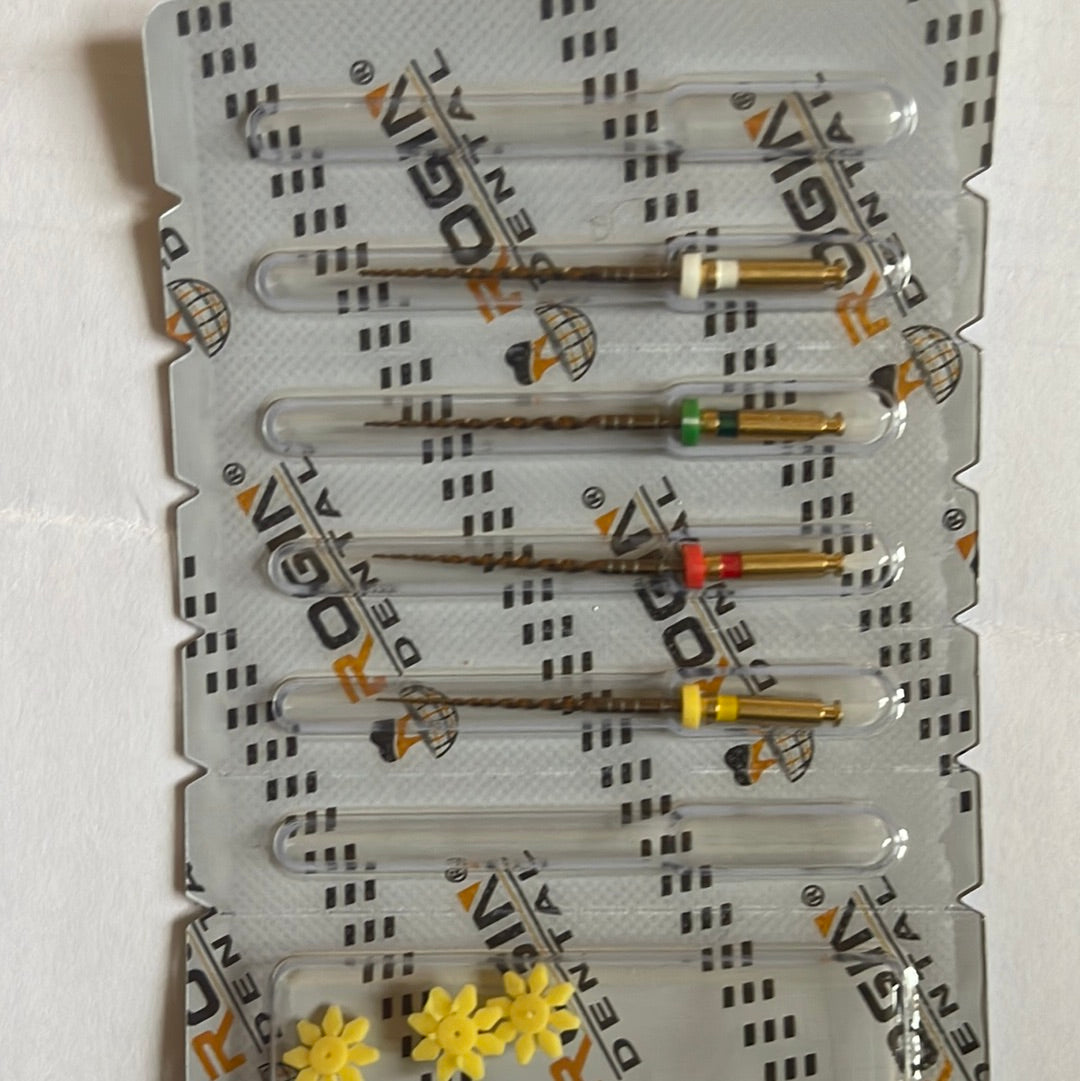
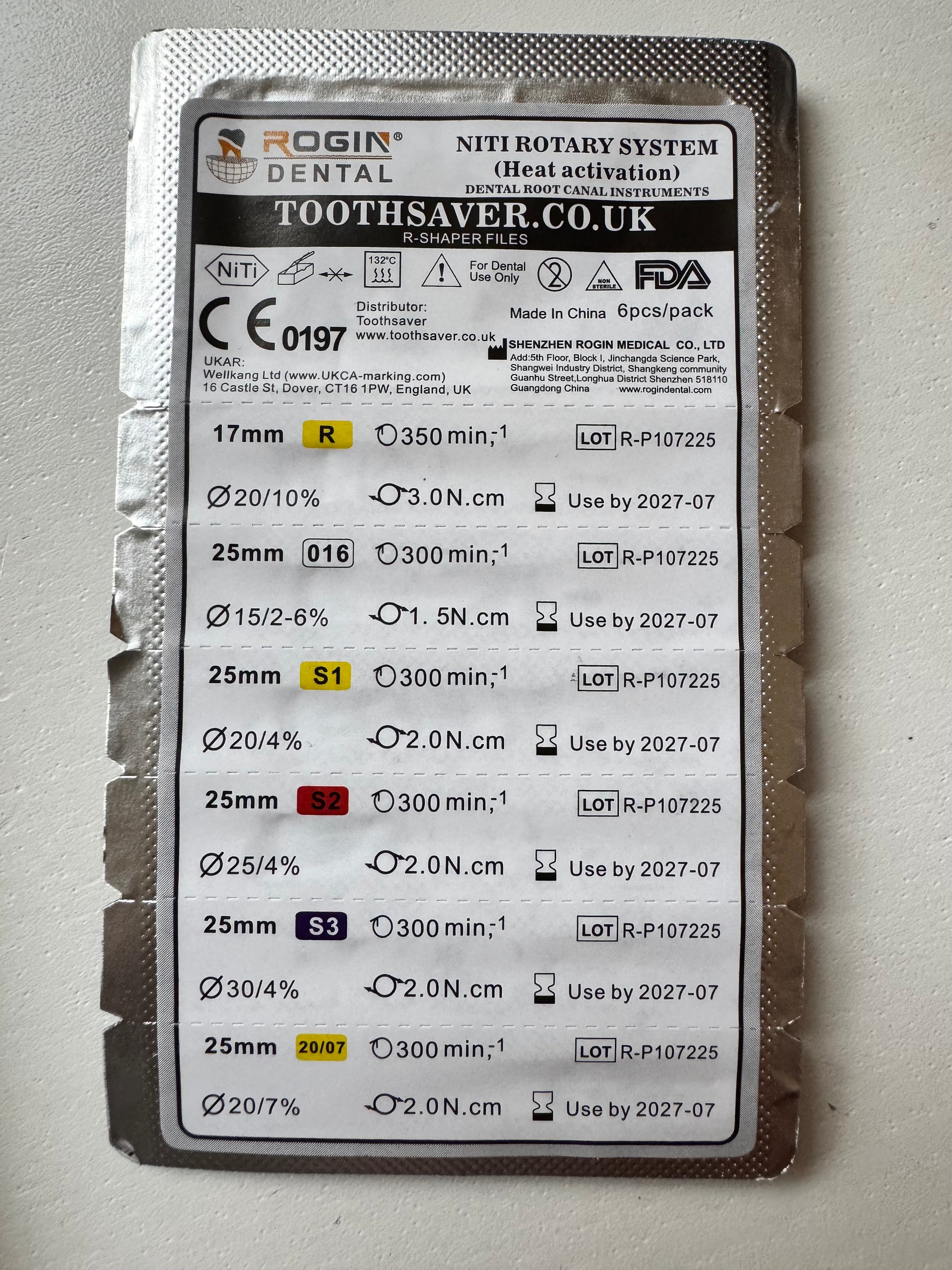
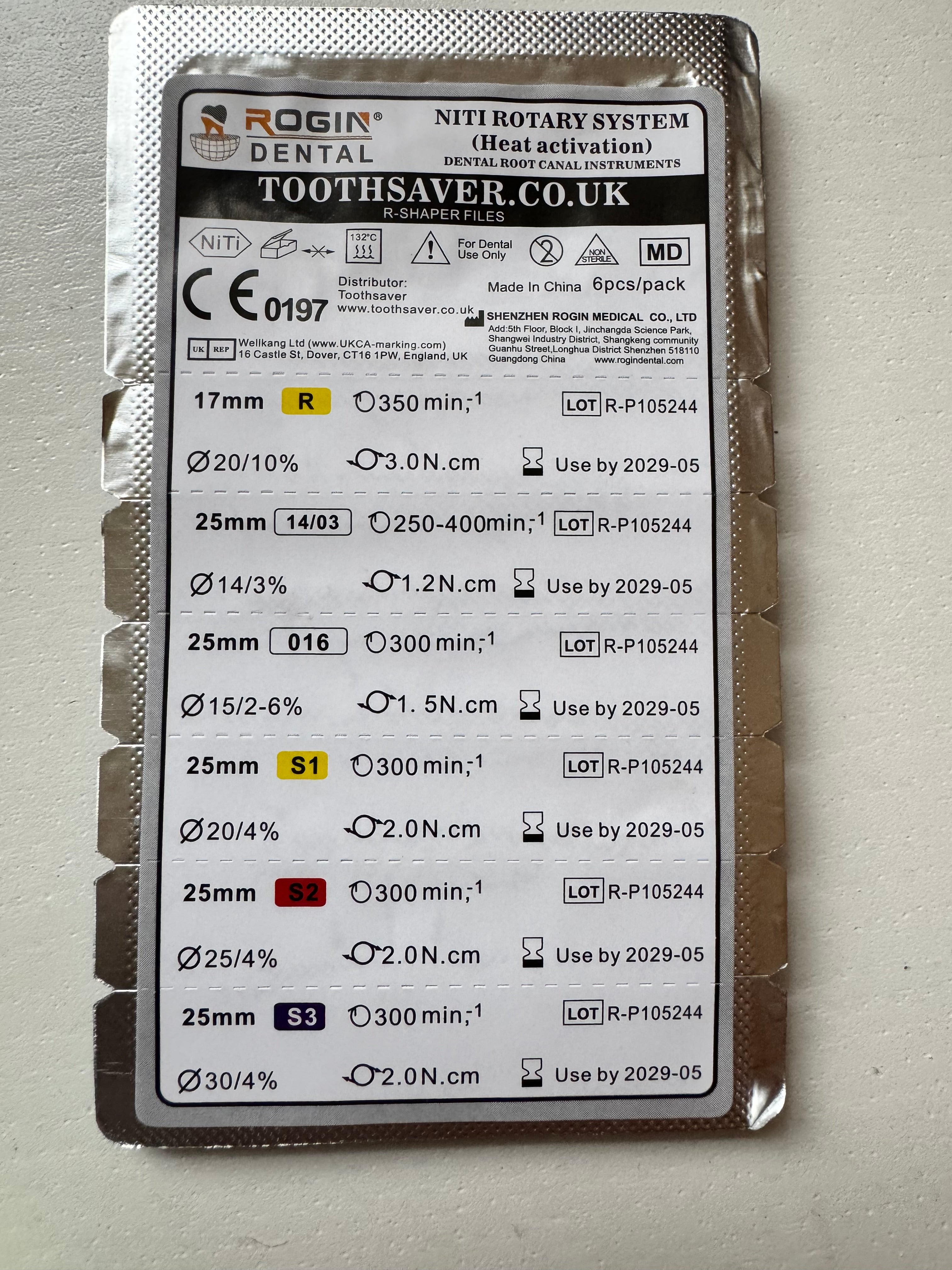
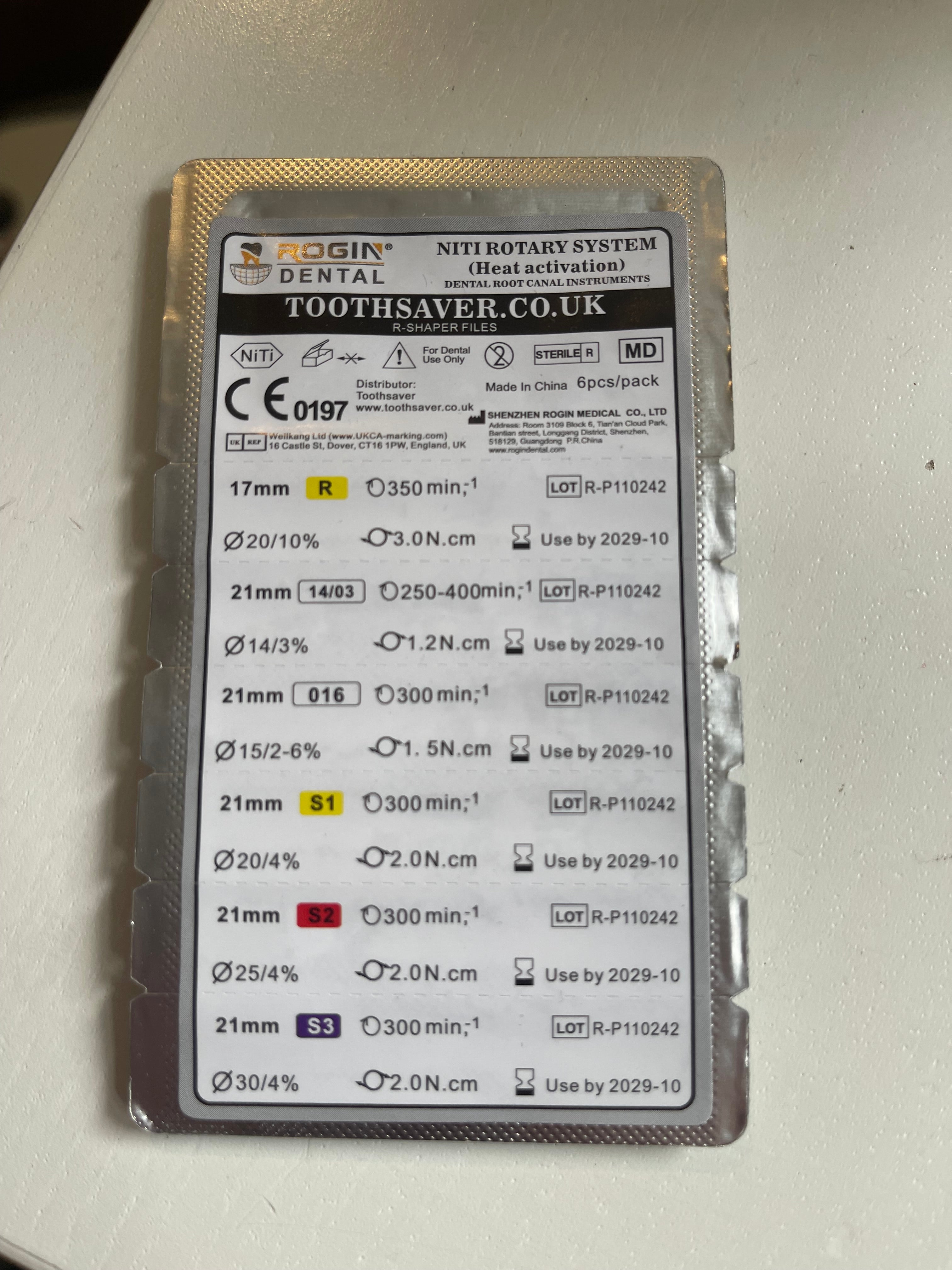
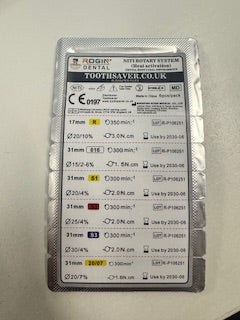
- Assorted Pack with 14/3 and 15 variable taper file: 20/10, 14/03, 15/02–6%, 20/04, 25/04, 30/04
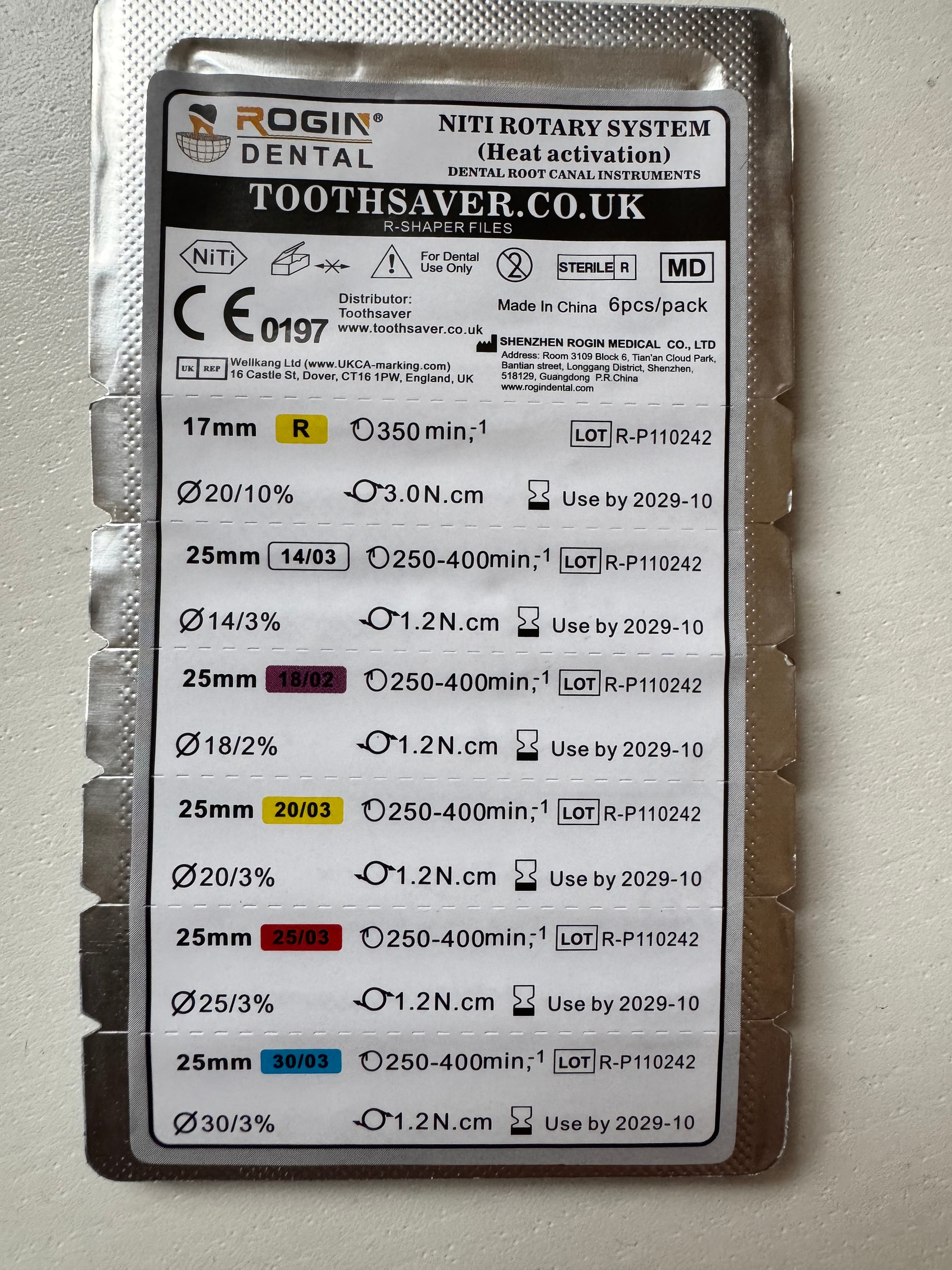
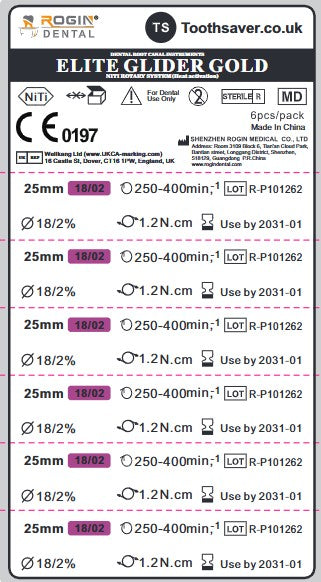
- Slim Taper Assorted Pack: 20/10, 14/03, 18/02, 20/03, 25/03, 30/03
- Available in 25 mm and 31 mm options
Toothsaver clinical view
The aim is not to over-enlarge every canal. The Toothsaver file range gives clinicians options: conservative slim taper shaping where anatomy demands preservation, and more conventional 4% shaping where the case allows.
If you are new to the system, start with an assorted pack (14/3 and 15 variable taper file) and use the sequence according to canal anatomy, glide path, curvature, irrigation strategy and clinical judgement. Contact us for step by step videos.
File options
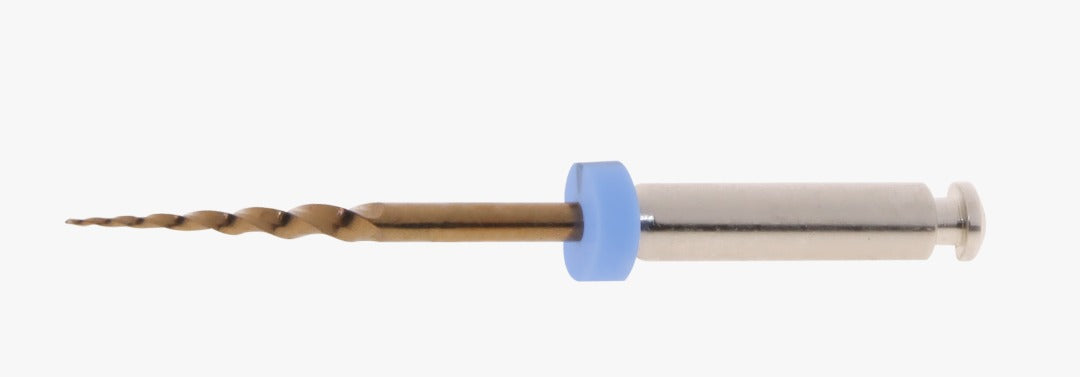
Suggested use: Coronal 3–4 mm enlargement and canal repositioning.
Suggested use: Glide path creation in narrow or challenging canals.
Suggested use: Glide path creation with a slightly larger tip and taper.
Suggested use: Glide path file with coronal flare.
Suggested use: Conservative shaping in slim, curved or restrictive canals.
Suggested use: Conservative shaping where a smaller taper is preferred.
Suggested use: Slim taper finishing where conservative dentine removal is desired.
Suggested use: Larger apical preparation with a conservative 3% taper.
Suggested use: Challenging narrow canals and conservative shaping.
Suggested use: Practical finishing option for the majority of routine canals.
Suggested use: Canals requiring a larger apical shape.
Suggested use: Retreatment, deep taper preparation or larger taper shaping.
Toothsaver assorted file packs
Assorted Shape Pack
Includes:
- 20/10 Orifice Opener
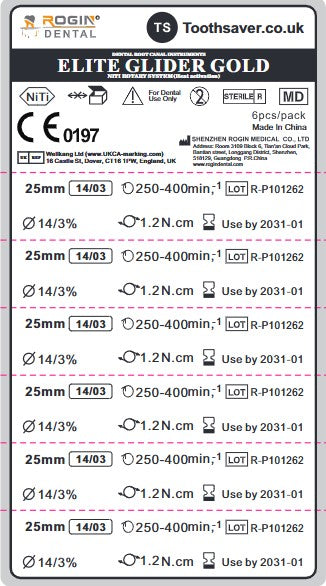
- 14/03 Glide Path
- 15/02–6% Variable Taper Glide Path
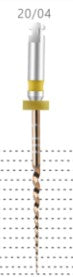
- 20/04 Shape File
- 25/04 Shape File
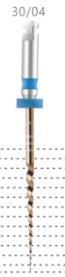
- 30/04 Shape File
Slim Taper Assorted Pack
Includes:
- 20/10 Orifice Opener
- 14/03 Glide Path
- 18/02 Slim Taper File
- 20/03 Slim Taper File
- 25/03 Slim Taper File
- 30/03 Slim Taper File
Clinical protocol
The Toothsaver file sequence should be adapted to the canal. The outline below is a practical starting point, not a rigid rule for every case.
Access and straight-line entry
Establish clear access, remove coronal interferences and confirm canal anatomy before rotary shaping.
Coronal enlargement
Use the 20/10 orifice opener carefully in the coronal 3–4 mm where appropriate to improve access and canal control.
Create a reproducible glide path
Use hand files and glide path files according to canal difficulty. The 13/02, 14/03 or 15/02–6% files may be selected depending on anatomy and resistance.
Choose slim taper or shape sequence
Select slim taper files for conservative shaping in curved or narrow canals, or the 4% shape files for routine shaping where anatomy allows.
Finish according to canal anatomy
Finish to an appropriate apical size based on canal anatomy, irrigation strategy, obturation plan and clinical judgement.
When to choose the Shape Pack
Choose the Assorted Shape Pack when you want a straightforward sequence that includes the 20/04, 25/04 and 30/04 shape files.
- Good everyday starting pack
- Includes glide path and shaping options
- Useful for routine shaping cases
- Includes 4% taper shaping files
When to choose the Slim Taper Pack
Choose the Slim Taper Assorted Pack where conservative shaping is important, especially in slimmer, more curved or more restrictive canals.
- Conservative 3% taper shaping options
- Useful in curved canals
- Helps preserve dentine
- Includes 18/02, 20/03, 25/03 and 30/03
Important clinical note
Rotary files should always be used with appropriate access, irrigation, lubrication, glide path preparation and torque-controlled motor settings. Do not force files apically. Use brushing, pecking or shaping movements according to the file, anatomy and manufacturer guidance.
Adjust the sequence for calcified canals, severe curvature, retreatment, open apices and unusual anatomy.
Why buy Toothsaver files?
Toothsaver is clinician-led and founded by Endodontic Specialist Dr Daniel Flynn. The file system is presented around practical clinical decision-making rather than locking clinicians into a single rigid sequence.
- Assorted packs simplify ordering
- Choice of slim taper and shape sequences
- Clear sizes and lengths
- Practical motor settings included
- Support from a specialist-led dental supplier
FAQs
What are Toothsaver Assorted Files?
Toothsaver Assorted Files are rotary endodontic file packs designed to provide a practical sequence for coronal enlargement, glide path creation and canal shaping.
What is included in the Assorted Shape Pack?
The Assorted Shape Pack includes 20/10 Orifice Opener, 14/03 Glide Path, 15/02–6% Variable Taper Glide Path, 20/04, 25/04 and 30/04 Shape Files.
What is included in the Slim Taper Assorted Pack?
The Slim Taper Assorted Pack includes 20/10 Orifice Opener, 14/03 Glide Path, 18/02, 20/03, 25/03 and 30/03 Slim Taper Files.
What lengths are available?
The assorted packs are available in 25 mm and 31 mm options. Individual file lengths vary according to the file type.
What is the 20/10 file used for?
The 20/10 Orifice Opener is used for coronal enlargement and canal repositioning, typically in the coronal 3–4 mm where clinically appropriate.
When should I choose slim taper files?
Slim taper files are useful where conservative shaping is desired, particularly in narrow, curved or more restrictive canals.
What motor settings should I use?
The listed settings are generally 350 rpm and 3 Ncm for the 20/10 Orifice Opener, 300 rpm and 1.5 Ncm for glide path files, and 300 rpm and 2.2 Ncm for shaping files. Always adjust according to clinical judgement and file behaviour.
Are these files suitable for every canal?
No file sequence should be used rigidly in every canal. File selection should be based on anatomy, curvature, canal size, glide path, irrigation strategy and clinical judgement.
Complete your endodontic workflow
Pair Toothsaver files with endodontic motors, irrigation products, paper points, GP points and bioceramic sealers.
Endo motors Irrigation Endodontics Gutta percha points Paper points Endodontic sealers Retreatment One-Fil Bioceramic SealerToothsaver Files Videos
You may also like
Recently viewed

Free Online Endo Course
Click on the button below and we will send you a recording of Daniel's latest Endo course where he explains his philosophy on choosing the various files depending on the anatomy of the tooth.
Free Online Endo Course